![Logo_Scan-Dimension_144x105.png]](https://kb.scandimension.com/hs-fs/hubfs/Logo_Scan-Dimension_144x105.png?height=50&name=Logo_Scan-Dimension_144x105.png)
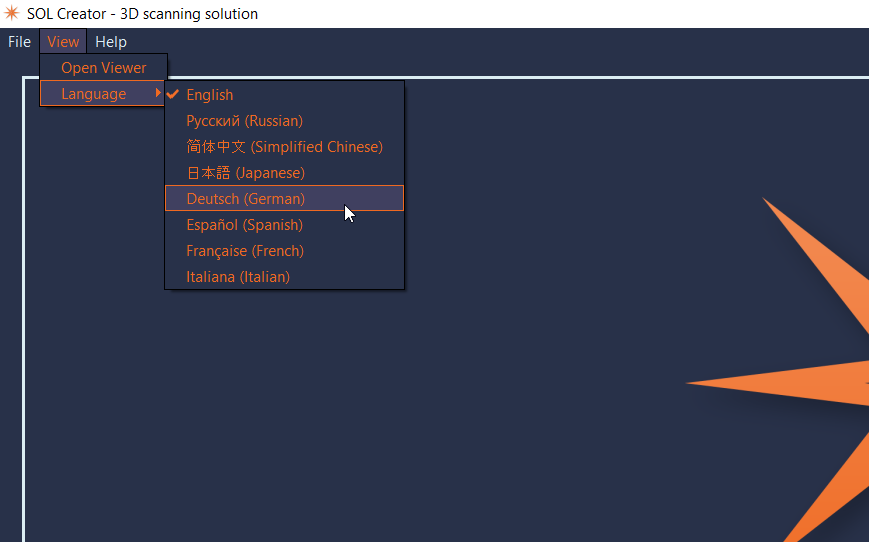
SOL 3D scanner supports multiple languages within the software.
To change the language, click on the dropdown menu and select the applicable language.
Go to: View - Language - your choice
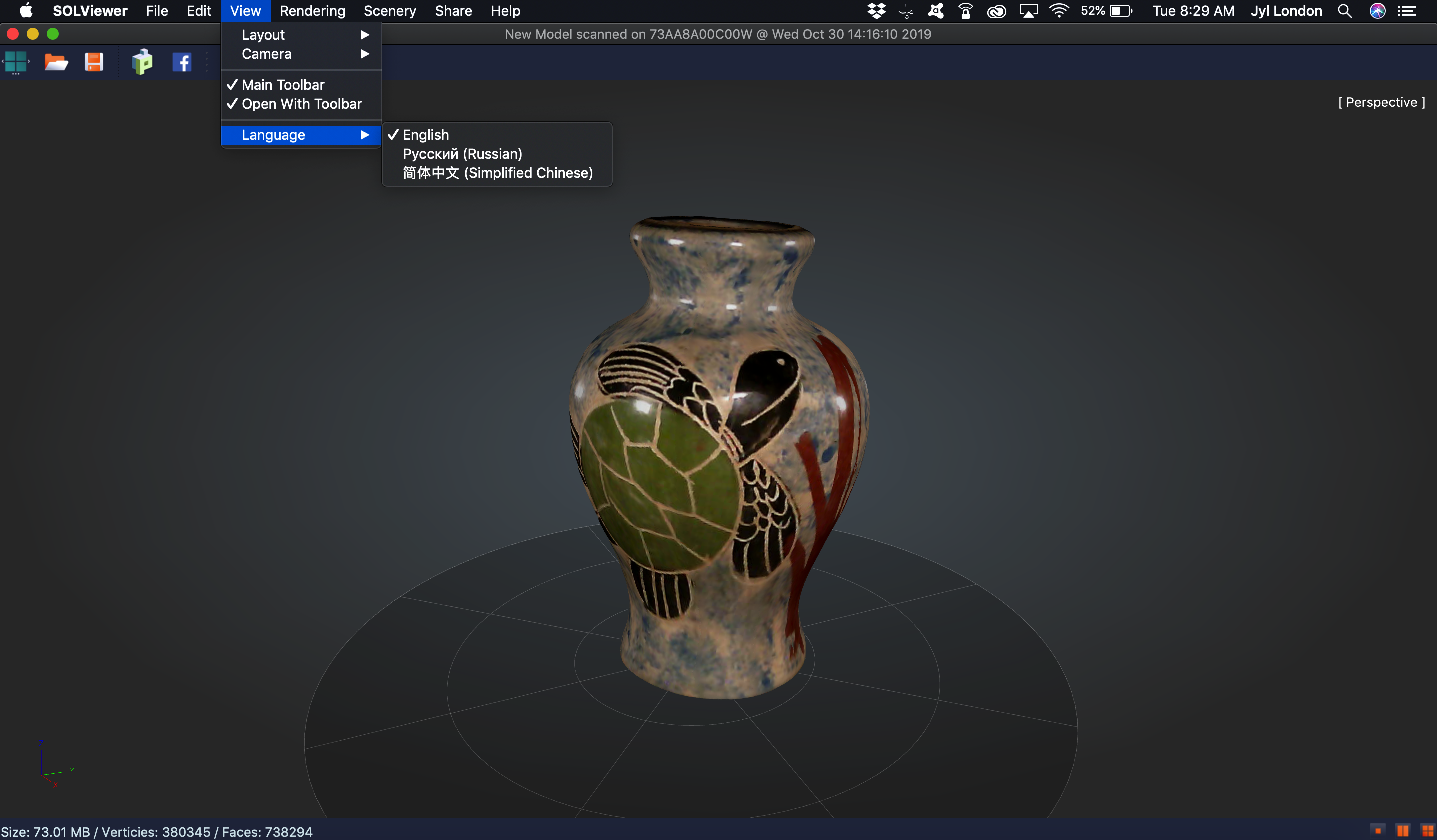
Within the SOL Viewer to change the language, click on the View menu, Language and select the preferred language.
Quick Links:
Did you buy SOL and looking on getting started? Quick Start Guide
Want to know what's in your new release: Release Notes