![Logo_Scan-Dimension_144x105.png]](https://kb.scandimension.com/hs-fs/hubfs/Logo_Scan-Dimension_144x105.png?height=50&name=Logo_Scan-Dimension_144x105.png)
The calibration is an integrated and automatic part of both SOL and SOL PRO 3D scanners.
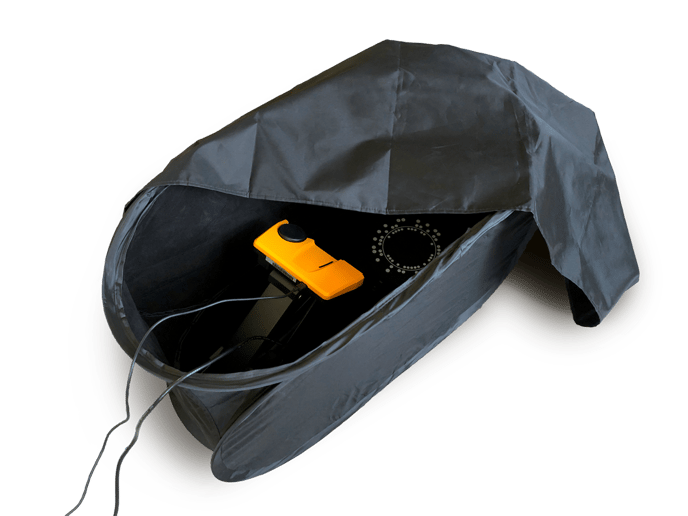
Just place your scanner in the provided tent, empty the turntable as instructed in the software and put the cover on top.
Both products have an option to reuse last successful calibration, and save time.